
Knowledge Hub for
Driver Verification
Everything you need to know about FMCSA compliance, driver verification, and streamlining your carrier operations.
Comprehensive Guides
In-depth resources to master driver verification
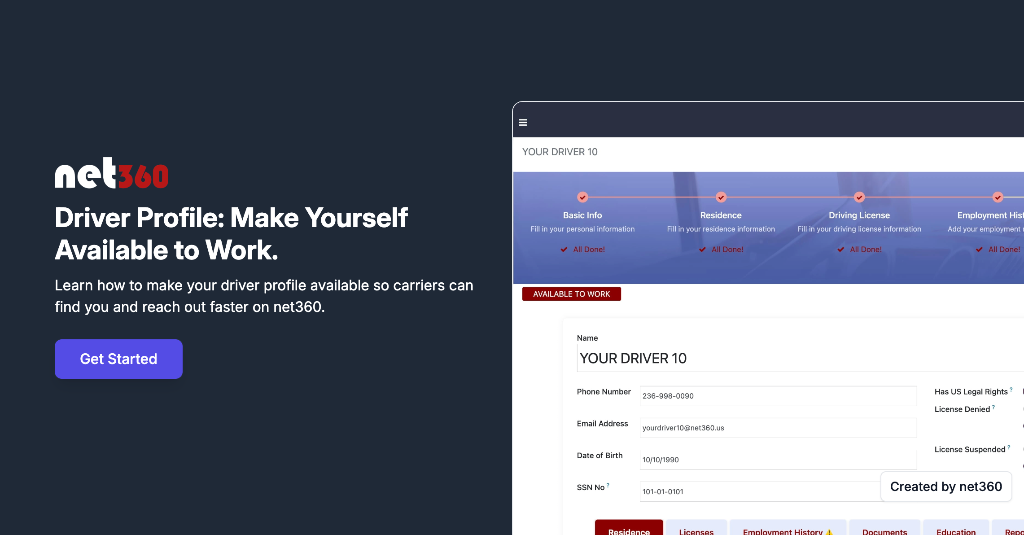
Driver Profile: Make Yourself Available to Work
This demo shows drivers how to make their profile visible to carriers on net360. By updating availability and confirming job preferences, drivers can be discovered by carriers actively hiring and receive onboarding invitations faster—all with full control over their profile.
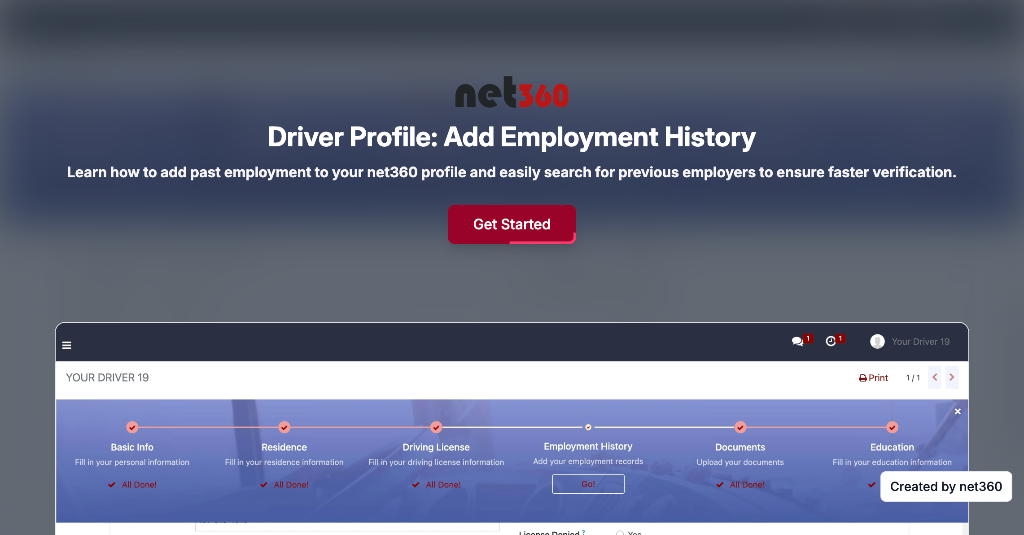
Driver Profile: Add Employment History
This demo shows drivers how to add employment records to their net360 profile. Drivers can search for previous employers directly in the system, select the correct carrier, and complete their employment history quickly and accurately—helping speed up verification and onboarding with future carriers.
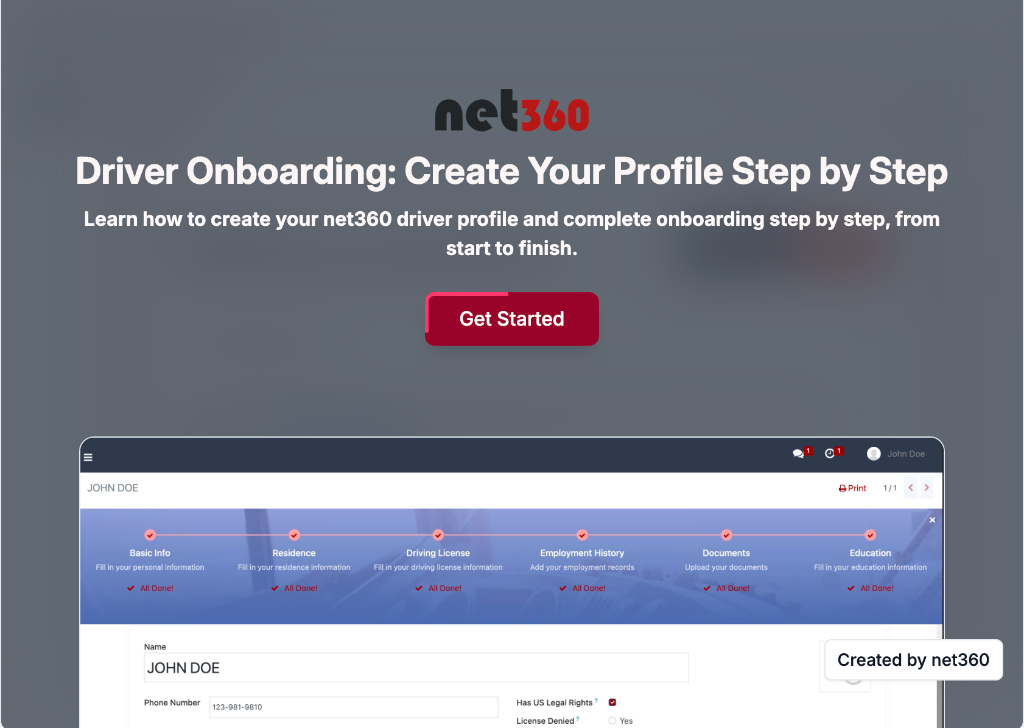
Driver Onboarding: Create Your Profile Step by Step
This demo walks drivers through the complete onboarding process in net360. Drivers learn how to create their profile, enter required information, upload documents, and complete onboarding step by step—making it easy to get verified and ready to work quickly.
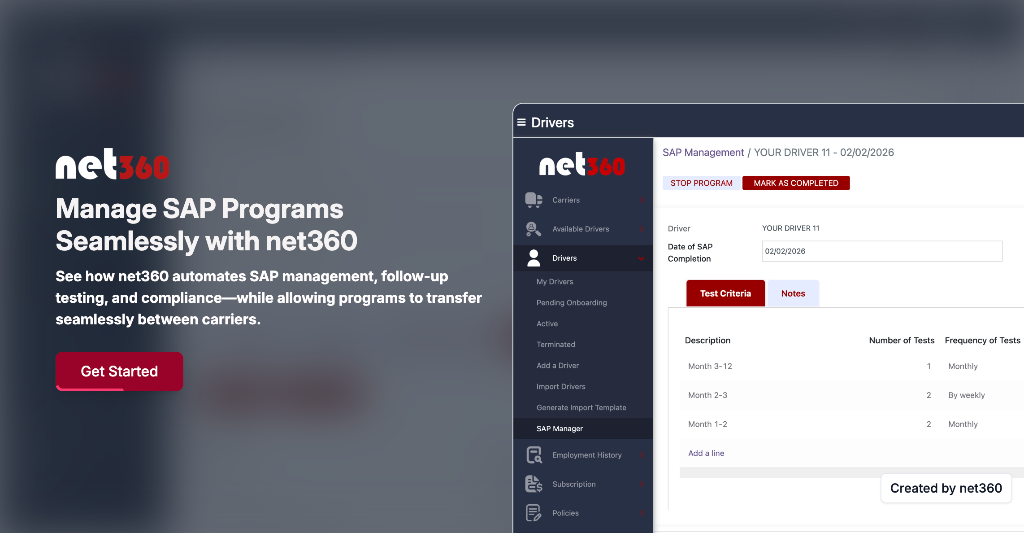
Manage SAP Programs Seamlessly with net360
This demo shows carriers how to manage SAP programs directly in net360. Carriers can set program criteria, schedule and track follow-up tests automatically, and stay compliant without manual oversight. If a driver changes employers before completing the program, the new carrier can seamlessly continue the SAP process from where it left off—ensuring compliance without restarting or losing progress.
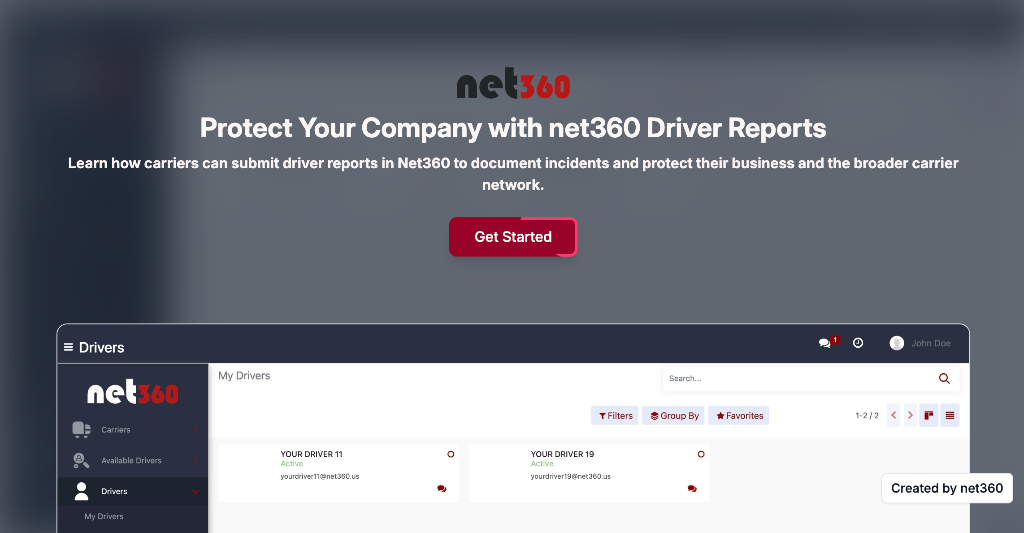
Protect Your Company with net360 Driver Reports
This demo shows carriers how to submit a report in net360 for drivers who caused reputational, operational, or financial damage. Reports are documented securely, shared within the net360 network, and help other carriers make informed hiring decisions—while maintaining a standardized and transparent reporting process.
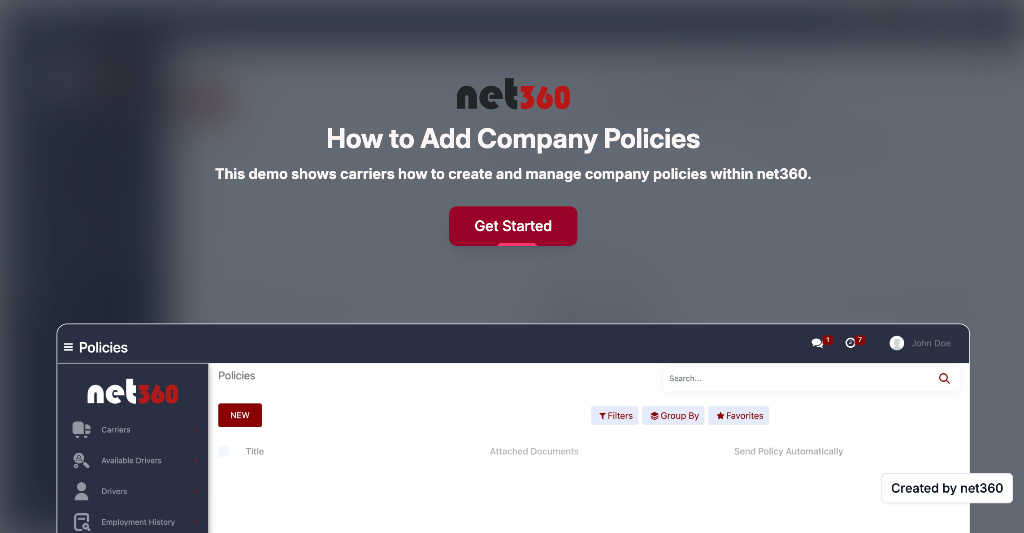
How to Add Company Policies in net360
This demo shows carriers how to create and manage company policies within net360. Learn how to add new policies, upload documents, and require driver acknowledgment to ensure compliance and proper documentation.
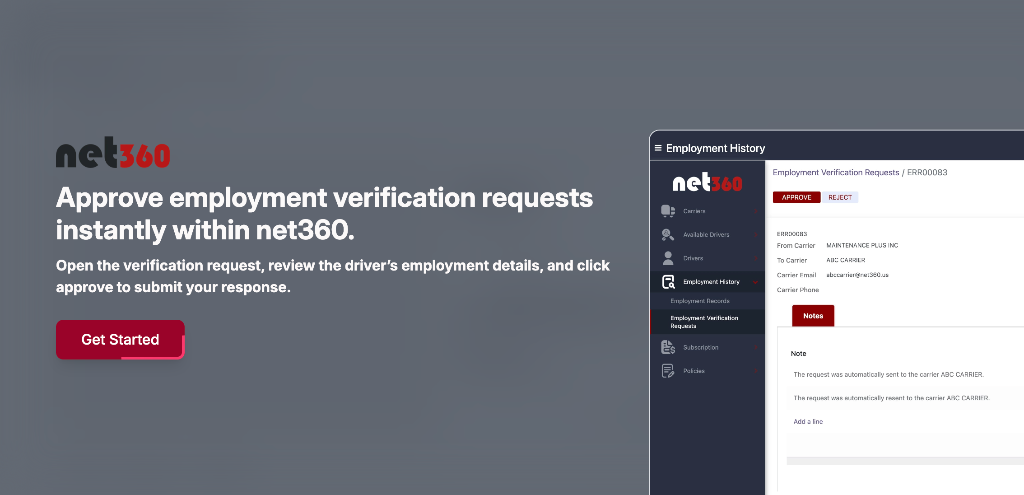
Approve Employment Verification Requests Instantly within net360
Open the verification request, review the driver's employment details, and click approve to submit your response.
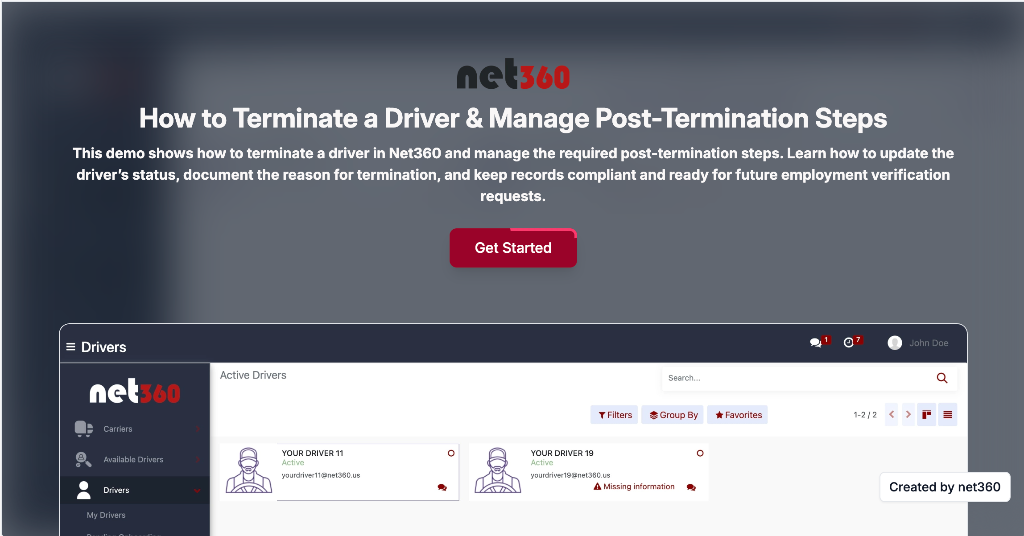
How to Terminate a Driver & Manage Post-Termination Steps in net360
This demo shows carriers how to properly terminate a driver within net360 and manage all required post-termination steps. Carriers will learn how to update the driver's status, document the reason for termination, and ensure the driver's records remain accurate and compliant. The system automatically preserves employment history, maintains verification records, and prepares the profile for any future employment verification requests. net360 keeps everything organized, audit-ready, and compliant — even after the driver relationship ends.
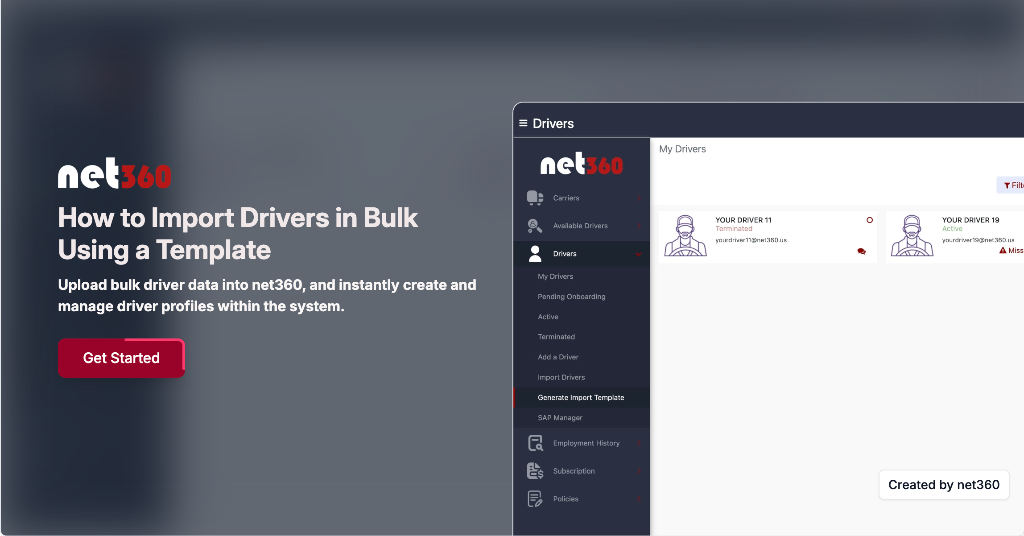
How to Import Drivers in Bulk Using a Template
This demo shows how carriers can generate a driver import template, upload bulk driver data into net360, and instantly create and manage driver profiles within the system.
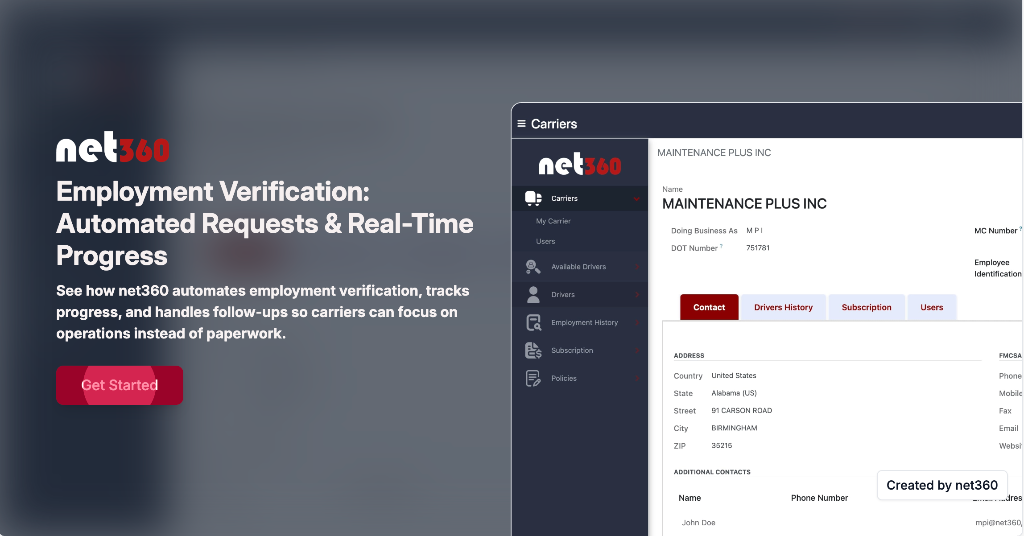
Employment Verification: Automated Requests & Real-Time Progress
This demo shows carriers how net360 automates the employment verification process. Requests are sent automatically to previous employers, and net360's system and team handle follow-ups while carriers track progress in real time—freeing up time and resources for other critical tasks.
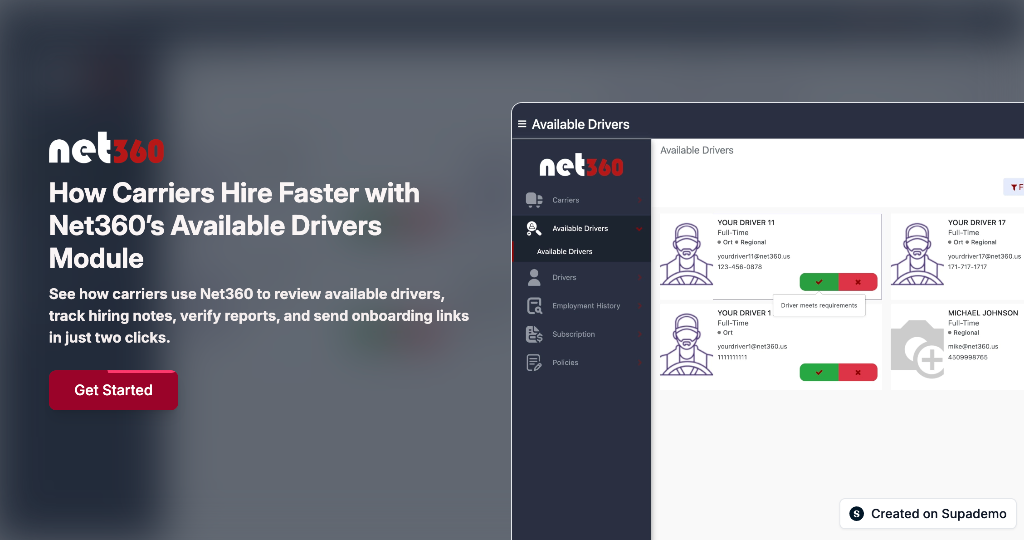
How Carriers Hire Faster with net360's Available Drivers Module
This demo shows carriers how to use net360's Available Drivers module to review driver profiles, verify preferences and pay, check shared carrier reports, add internal notes, and send an onboarding link—all in just a few clicks. Built to eliminate back-and-forth, net360 helps carriers move quickly from driver discovery to onboarding in one organized workflow
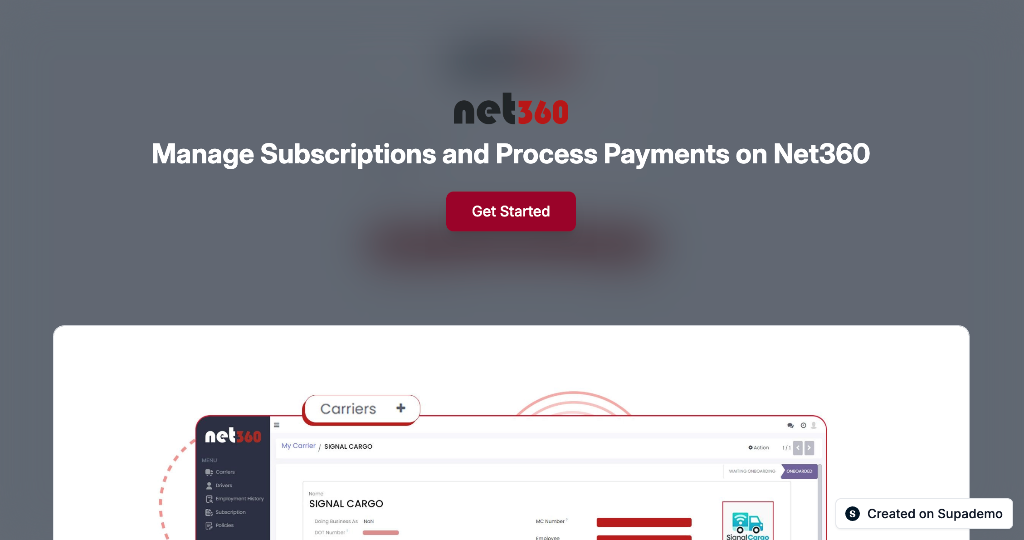
Manage Subscriptions and Process Payments on net360
Learn how to access your net360 subscription dashboard, review user details, process subscription payments securely with card information, and manage carrier subscription settings.
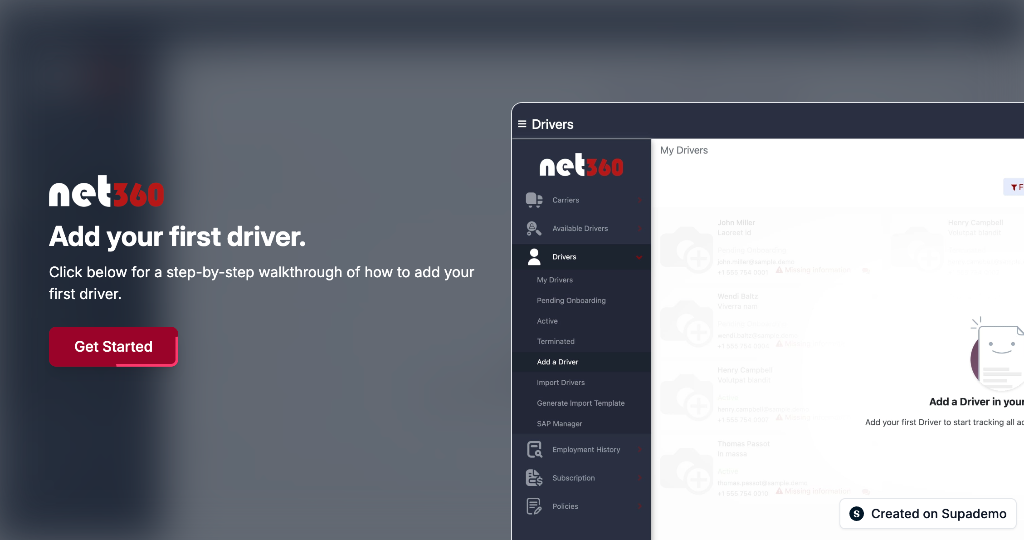
Add your first driver
This demo shows carriers how to use net360's Available Drivers module to review driver profiles, verify preferences and pay, check shared carrier reports, add internal notes, and send an onboarding link—all in just a few clicks. Built to eliminate back-and-forth, net360 helps carriers move quickly from driver discovery to onboarding in one organized workflow
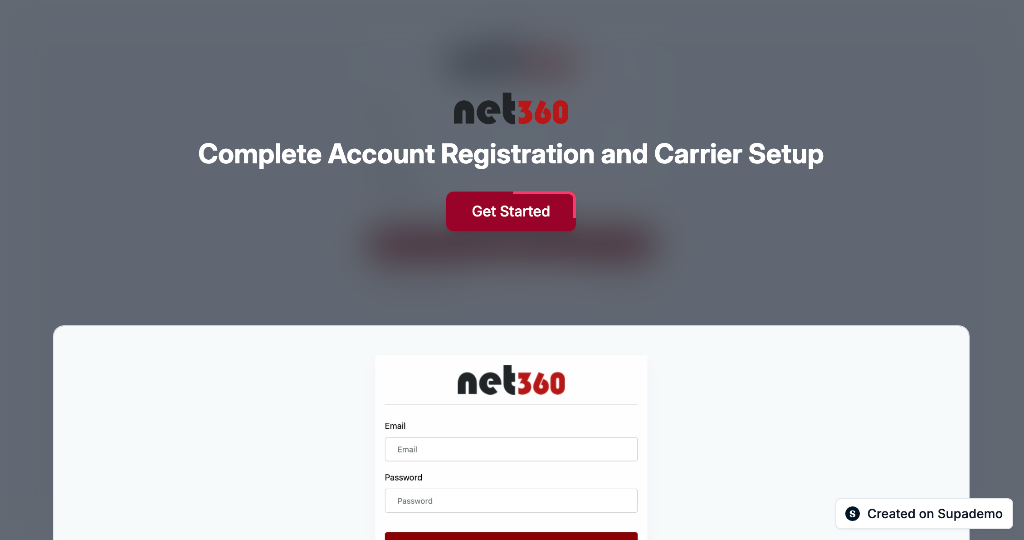
Complete Account Registration and Carrier Setup
Learn how to create a new account on net360, set up your profile with personal information, establish secure credentials, and configure your carrier assignment during onboarding.
Success Stories
See how carriers are transforming their operations with net360
West Coast Carrier Eliminates Paper Files and Goes Fully Digital
California carrier ditches filing cabinets for cloud-based driver files
Texas Flatbed Carrier Reduces No-Shows by 68% with Faster Onboarding
Texas carrier keeps drivers engaged and committed during verification process
Northeast Distribution Company Verifies 50 Seasonal Drivers in 72 Hours
Logistics provider handles peak season surge without breaking a sweat
How a Midwest Carrier Cut Driver Onboarding Time by 73%
Regional carrier reduces hiring time from 3 weeks to under 6 days